
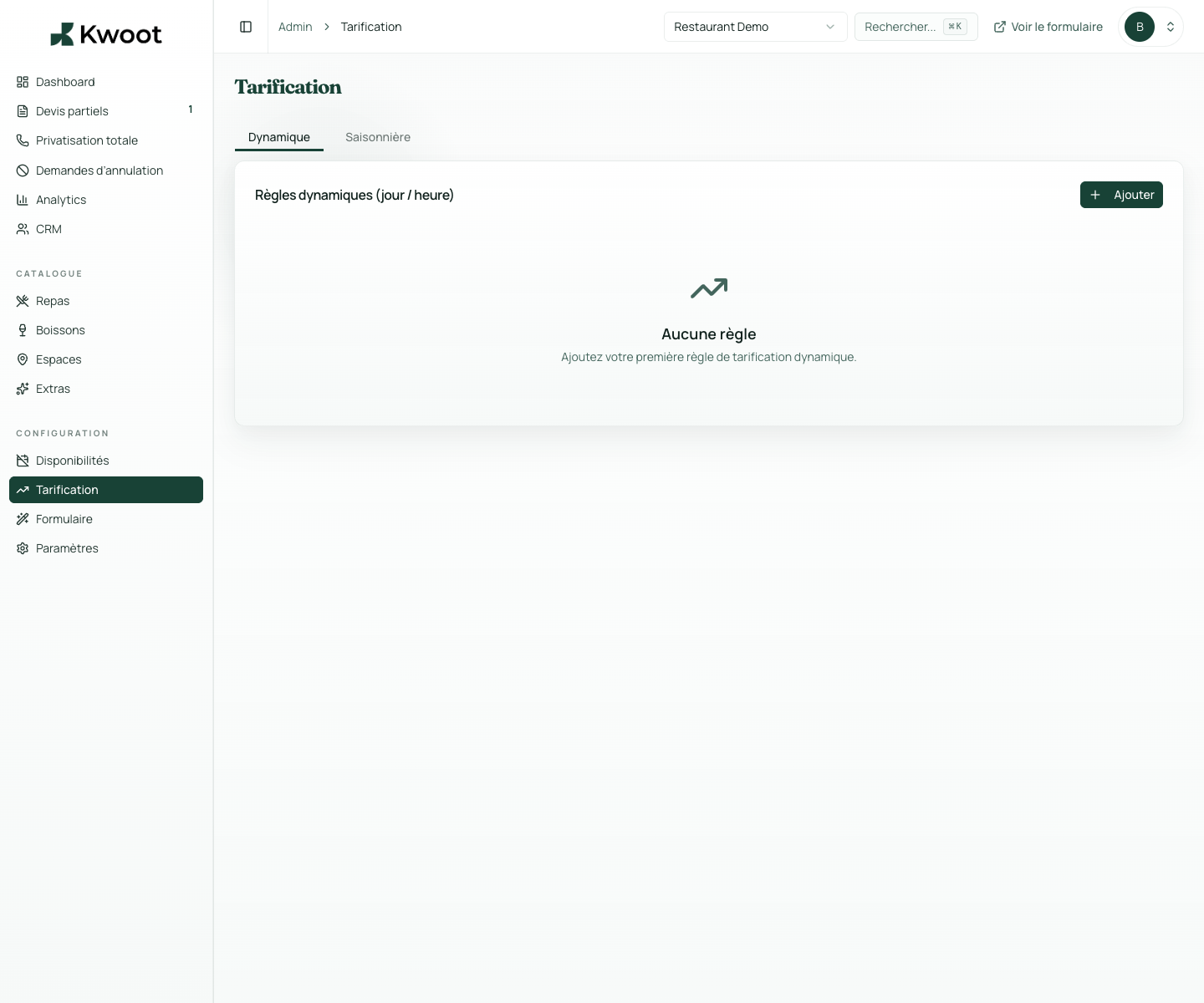
You define periods with an adjustment percentage: +20% from June 15 to August 31, +30% from December 20 to January 5. The calculation engine automatically applies these rules to the quotes concerned.
Dynamic & seasonal pricing
Your prices adapt to the season. Automatically. Without recalculating each quote.
High season, weekends, large events: Kwoot applies your dynamic pricing rules directly in the calculation engine. Every quote reflects the right price at the right time.
Groups of 10 to 25: standard rate
Groups of 26 to 50: increase on the whole
Groups of 51 and more: quote on request
What it unlocks
Everything you need to convert more opportunities.
Large groups require more preparation, more staff, sometimes specific equipment. You can define surcharge, discount or blocking rules depending on the size of the group.
Kwoot applies pricing rules cleanly, in the right order, on the right calculation basis. No double counting, no approximation.
Seasonal pricing
Summer, Christmas, Valentine's Day: each period has its prices.
You define periods with an adjustment percentage: +20% from June 15 to August 31, +30% from December 20 to January 5. The calculation engine automatically applies these rules to the quotes concerned.
No manual recalculation. No risk of forgetting. The customer sees the right price from the quote wizard.
Pricing according to group size
The bigger the group, the more the rules change. Set it up once.
Large groups require more preparation, more staff, sometimes specific equipment. You can define surcharge, discount or blocking rules depending on the size of the group.
- Groups of 10 to 25: standard rate
- Groups of 26 to 50: increase on the whole
- Groups of 51 and more: quote on request
Composite pricing
Peak season + large group = composite rules applied correctly.
Kwoot applies pricing rules cleanly, in the right order, on the right calculation basis. No double counting, no approximation.
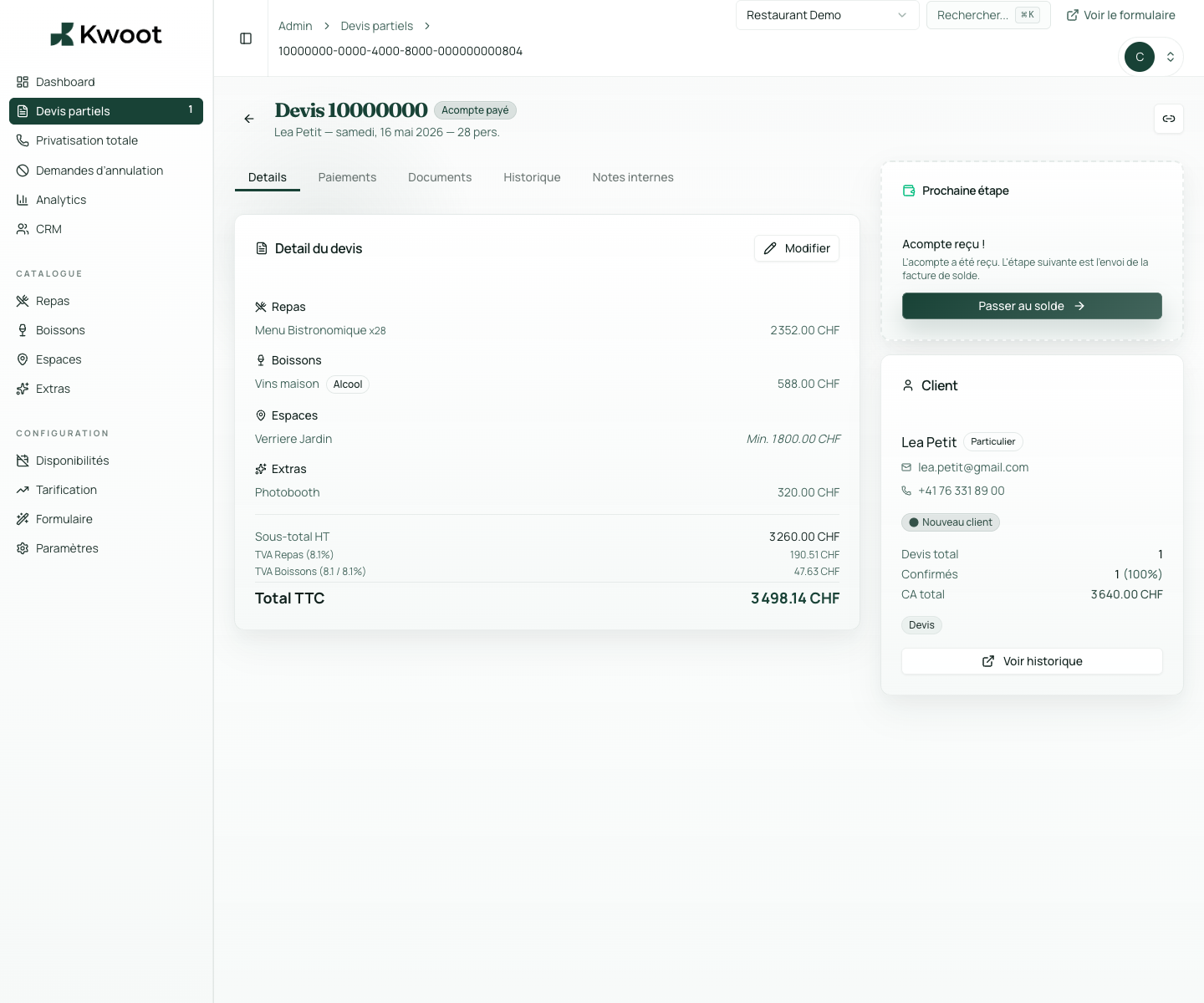
Kwoot makes this step clearer for the team and more professional for the client: everyone knows what to do, where to look and when to restart.
Example of a situation handled with KwootYour peak season pricing shouldn't rely on your memory.
Encode your rules once in Kwoot. They apply to every quote, every season, effortlessly.
FAQ
Frequently asked questions about dynamic pricing
Are the adjustments visible to the customer in the quote wizard?
Yes. Adjustments are reflected in the displayed total. Depending on your configuration, you can detail the lines or display only the adjusted total.
Can we create overlapping periods?
Yes, with a defined order of priority. If two rules apply, they combine or the highest priority takes precedence depending on your configuration.
Can we create a rule for certain spaces only?
Dynamic pricing now applies globally. Granularity by space is under development.
Can we preview the impact of a rule before publishing it?
Yes. The quote simulator in the admin allows you to test the impact of a rule before activation.
See also