
Incomplete information, manual calculations, scattered reminders.
Comparison
Form, spreadsheet, PDF: it works. Until it costs you signatures.
The classic method is sufficient when you have two requests per month. As soon as private events become a real revenue channel, it slows down the team and leaves too much room for oversights.
Complete request, calculated quote, signature, deposit and customer portal.
Comparison
The difference is especially seen in the back and forth.
A contact form collects a message. A spreadsheet helps you calculate. A PDF gives a clean presentation. But none of these tools track the file from the first click to payment.
| Stage | Form + spreadsheet + PDF | Kwoot |
|---|---|---|
| Customer request | Message often incomplete | Quote wizard with date, guests, space, menus and extras |
| Price calculation | Copy and paste and risk of error | Automatic calculation with your rules |
| Validation | Email and PDF version to find | Clear status on file |
| Signature | Print, scan or agree by email | Time-stamped online signature |
| Payment | Transfer to be verified manually | Invoice and payment status in tracking |
| Historical | Scattered in the mailbox | Customer timeline and centralized documents |
When to change
Three signs show that the classic method is holding you back.
Your team should call back to find out the date, number of people, format or budget.
Each modification requires reopening a spreadsheet, redoing a PDF and sending a new version.
An interested customer may disappear simply because the next action is not clear enough.
Evidence
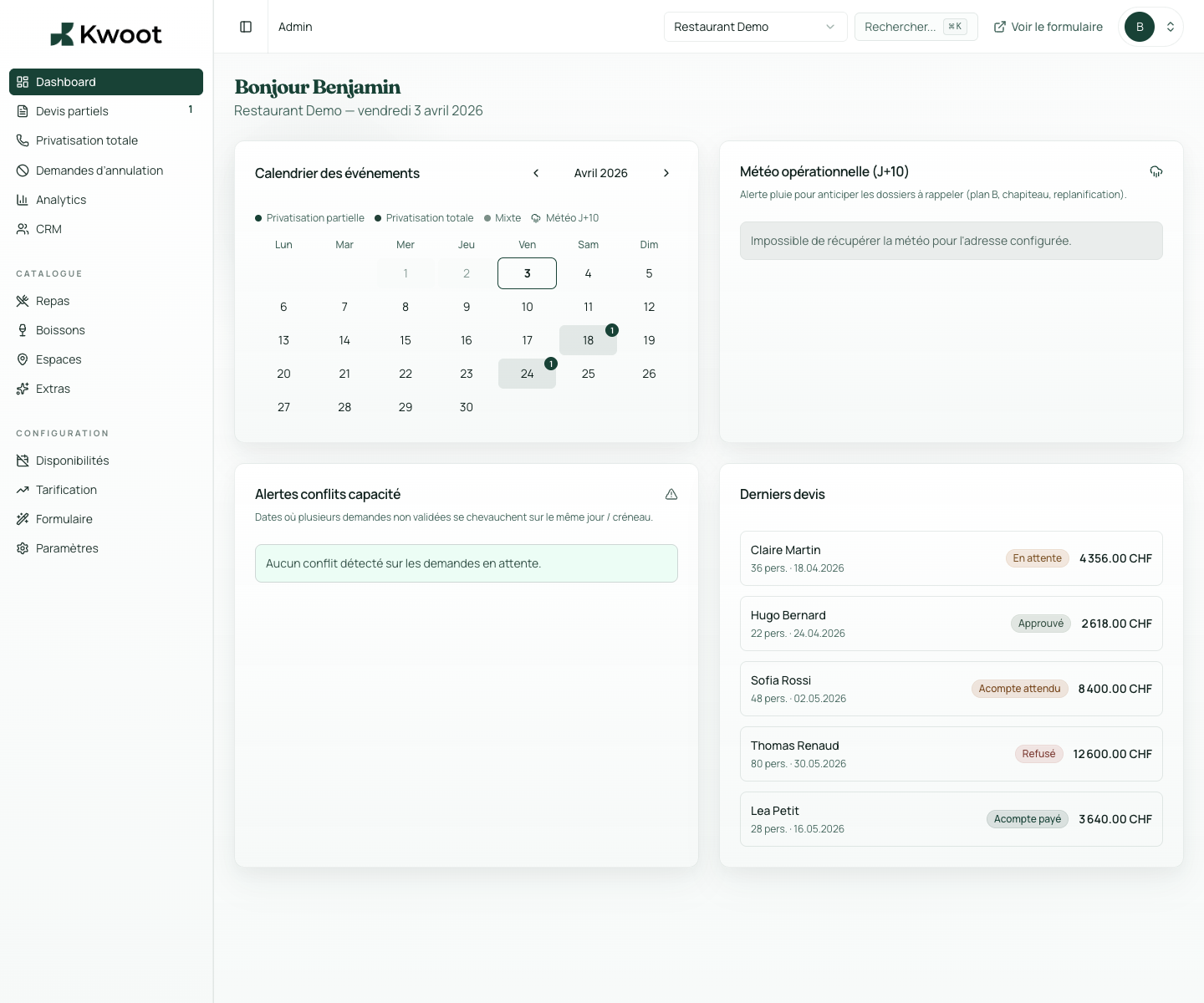
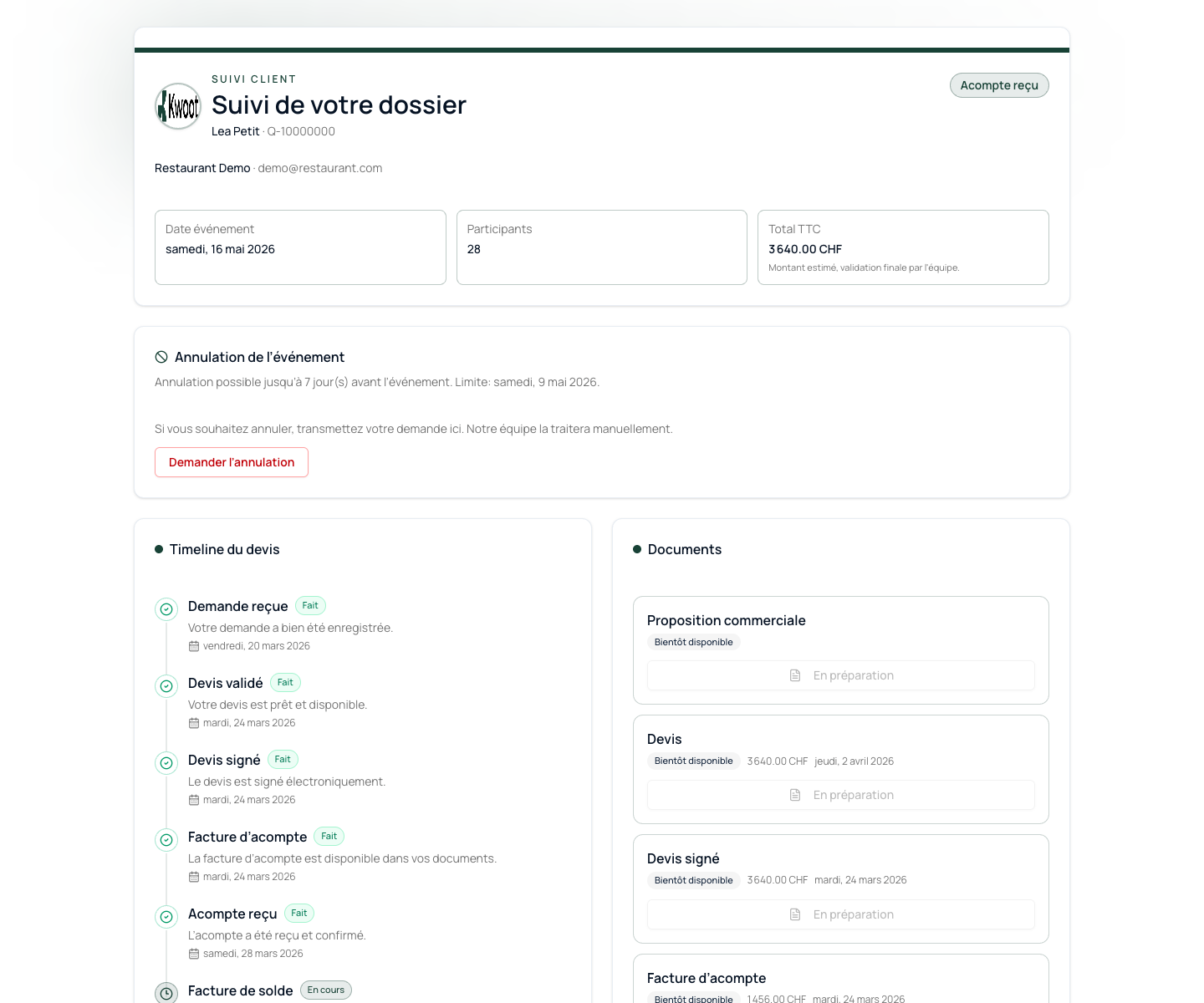
Kwoot shows what is often missing in the manual method: tracking.
The dashboard shows open folders. The customer portal shows what the customer needs to do. The quote keeps the details and documents in one place.
- Admin view on requests and statuses
- Customer portal without account to create
- Quote and invoice accessible in the file
- Reusable customer history for future events
FAQ
Frequently asked questions about comparison
Can I keep my current form?
Yes, but the most effective is to link your main CTAs to the Kwoot quote wizard to receive complete requests.
Does Kwoot replace all my PDF documents?
Kwoot generates quotes and invoices useful for the file. You can keep your internal documents if your team needs them.
At how many requests does Kwoot become useful?
As soon as you receive more than 5 group requests per month or reminders take time each week.
Your current method is not bad. It's just not sturdy enough anymore.
If private events become real income, give your team a system to track them.