
Kwoot automatically triggers important emails: confirmation of receipt, approved quote, reminder, signature confirmation and payment confirmation.
Communication & emails
Your customer receives the right email at the right time. Without you thinking about it.
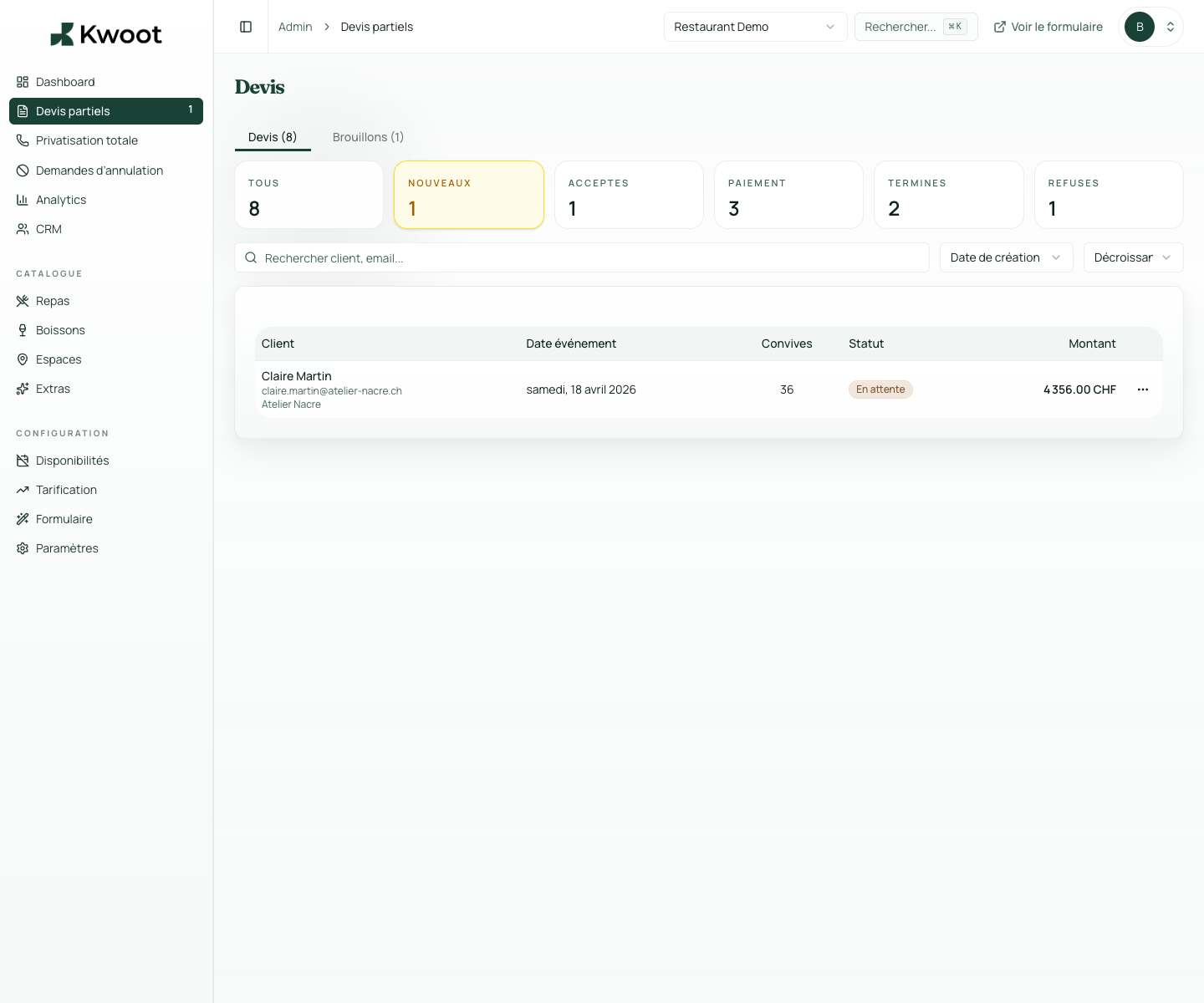
Request confirmation, approved quote, signature link, reminder, deposit invoice: Kwoot sends the right emails at each stage. You customize the templates. Kwoot takes care of the rest.
{{client_firstname}} integrated into the journey
{{date_event}} integrated into the course
{{space}} integrated into the route
What it unlocks
Everything you need to convert more opportunities.
You personalize the templates with useful context variables: customer first name, event date, space, amount, deposit, signature link, portal link, restaurant name.
Each email sent is traced: date, recipient, type, delivery status. If an email was not delivered, you see it immediately.
The 5 automatic emails
5 key moments. 5 automatic emails. 0 actions required from your team.
Kwoot automatically triggers important emails: confirmation of receipt, approved quote, reminder, signature confirmation and payment confirmation.
| Trigger | Email sent to customer |
|---|---|
| Quote wizard submission | Confirmation of receipt |
| Approved quote | Summary + signature link |
| Quote not signed after X days | Automatic restart |
| Signature received | Confirmation + deposit invoice |
| Registered deposit | Payment confirmation |
Customizable templates
Your voice, your tone, your customer relationship.
You personalize the templates with useful context variables: customer first name, event date, space, amount, deposit, signature link, portal link, restaurant name.
{{client_firstname}}{{event_date}}{{space}}{{total_amount}}{{signature_link}}{{portal_link}}
Sending logs
Find out if the customer has received their email. Without having to ask him again.
Each email sent is traced: date, recipient, type, delivery status. If an email was not delivered, you see it immediately.
Kwoot makes this step clearer for the team and more professional for the client: everyone knows what to do, where to look and when to restart.
Example of a situation handled with KwootYour customers deserve professional communication every step of the way.
Kwoot automates key emails so that your customer relations are always clean, traced and in your image.
FAQ
Frequently asked questions about communication & emails
Do emails go from my address?
Emails are sent on behalf of your restaurant. You can configure a custom sender address according to your plan.
Can we deactivate certain automatic emails?
Yes. Each trigger can be activated or deactivated from the admin interface.
Can we send an email manually?
Yes. From the quote detail page, you send a manual reminder in one click.
Do the templates work in English?
Yes. The templates are configurable in the language of your choice.
See also