
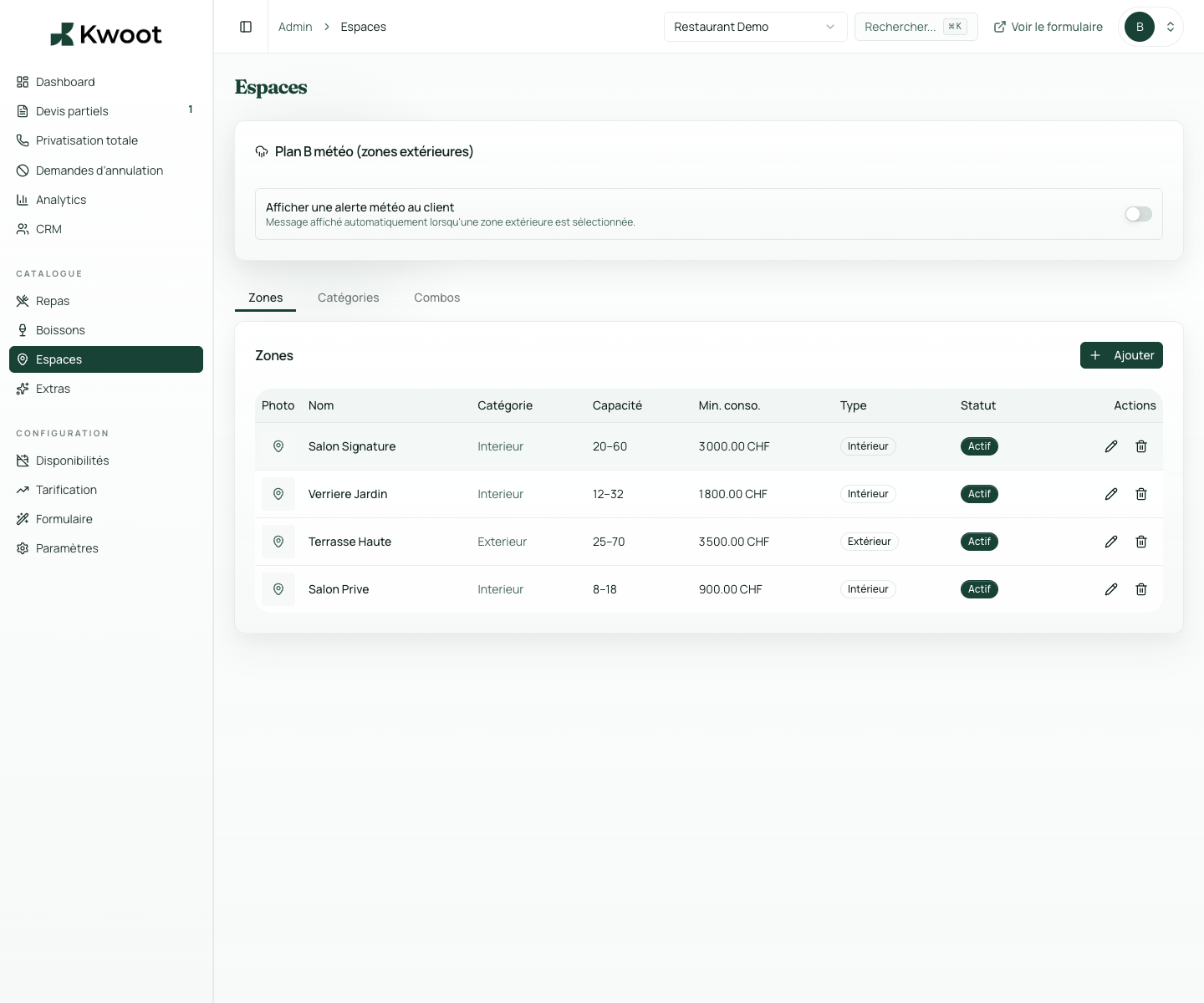
In the Kwoot admin, you create one file per space. You define everything that must never change without your agreement.
Spaces, capacity & minimum spend
Your spaces, with their rules. Applied automatically. Without discussion.
Each space in your place has its capacity, its minimum spend and its conditions. Kwoot encodes them once and applies them to each request. No more negotiation outside the box. More minimum spend forgotten.
Name & description visible to the customer in the quote wizard
Min/max capacity automatically blocked
Indoor/outdoor type for weather management
What it unlocks
Everything you need to convert more opportunities.
The minimum spend is the minimum amount of consumption for a group to book privately a space. Without a tool, it is a rule that the team must manually recall for each request.
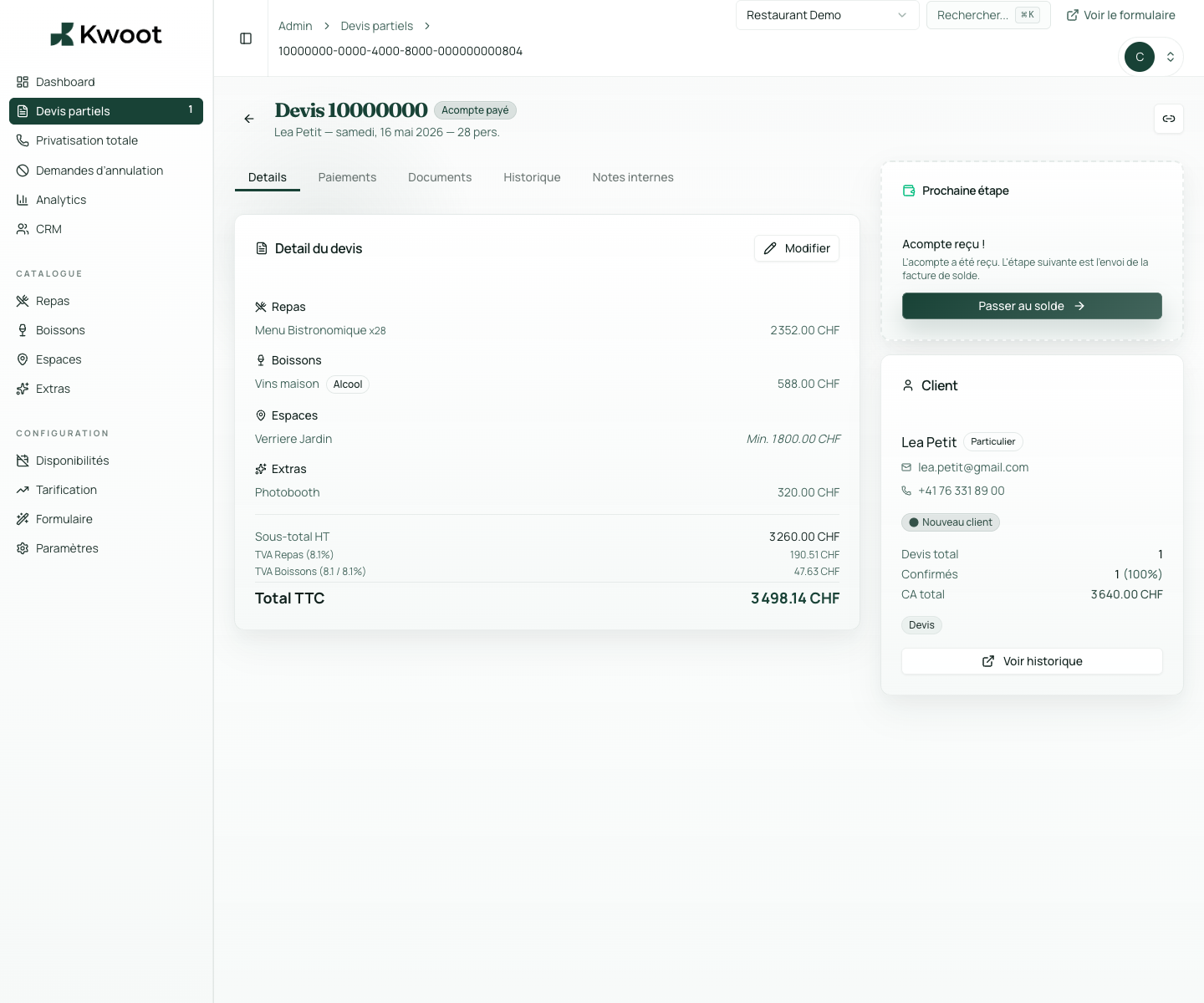
Some events occupy several spaces simultaneously. Kwoot allows you to create multi-space combos: a formula that brings together 2 or more spaces with a bundled rate or automatic discount.
Set each space once
Private room, terrace, rooftop, garden: each zone has its own profile.
In the Kwoot admin, you create one file per space. You define everything that must never change without your agreement.
- Name & description visible to the customer in the quote wizard
- Min/max capacity automatically blocked
- Indoor/outdoor type for weather management
- Minimum spend to protect profitability
- Photos and category of the area
The minimum spend
Minimum spend is not an option. It's a rule that the system enforces.
The minimum spend is the minimum amount of consumption for a group to book privately a space. Without a tool, it is a rule that the team must manually recall for each request.
In Kwoot, the minimum spend is integrated into the calculation engine. If the total of menus, drinks and extras does not reach the threshold, the quote wizard informs the customer.
Min/max capacityMinimum spendOutdoor areasCombined threshold
Multi-space combos
Terrace + main room = a combined offer with automatic discount.
Some events occupy several spaces simultaneously. Kwoot allows you to create multi-space combos: a formula that brings together 2 or more spaces with a bundled rate or automatic discount.
- Main room + cocktail area = discount on the total
- Terrace + weather retreat room = fixed combined rate
- Rooftop + bar = minimum spend combined
Kwoot makes this step clearer for the team and more professional for the client: everyone knows what to do, where to look and when to restart.
Example of a situation handled with KwootYour spaces have value. Your software must protect it.
Code your rules once. Kwoot applies them to every request, without exception and effortlessly from your team.
FAQ
Frequently asked questions about spaces & minimum spend
What happens if a client chooses a space that is too small for their group?
The maximum capacity is checked in real time in the quote wizard. If the group exceeds capacity, the customer is notified and cannot submit their request.
Does the minimum spend include extras and drinks?
Yes. The minimum spend calculation can take into account menus, drinks and extras depending on your configuration.
Can we have a different minimum spend depending on the day of the week?
Yes, via dynamic pricing rules. You can set variations for weekends, holidays or certain periods.
Does the customer see the minimum spend clearly displayed?
Yes. The minimum spend is displayed in the space sheet and an alert appears if the order is below the threshold.
See also