

A restaurant already uses several tools: email, calendar, payment, cash register, accounting, sometimes CRM or reservation. Adding an event tool only has value if it simplifies everyday life.
The right question is therefore not “how many tools can we connect with?”. The right question is: which integrations really take manual work away from the team?
Calendar: the first useful integration
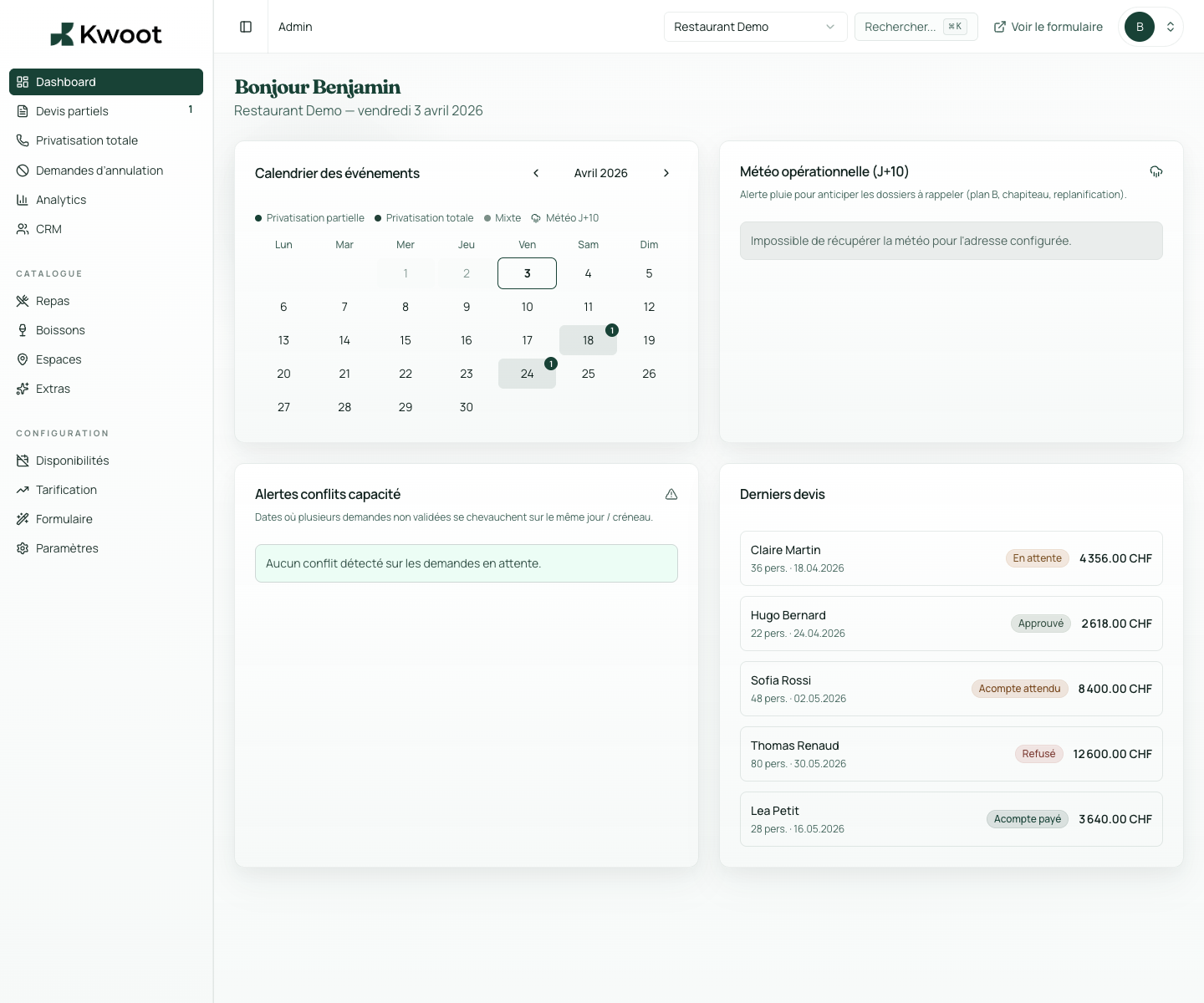
The calendar is often the easiest connection to understand. As soon as an event is confirmed, it should appear in the team calendar with the date, time, space, number of participants and contact details.
Synchronization with Google Calendar, Outlook or an internal calendar avoids double bookings and forgetting preparations.
Payment: the best gain on the customer side
Online payment is one of the most visible integrations for the customer. Instead of sending a RIB or processing a payment manually, the customer pays the deposit in the confirmation process.
Stripe is often a good choice to start with, as it covers cards, payment links, receipts, and some tracking. The level of complexity then depends on your accounting and your internal rules.
Email and notifications: avoiding gaps in tracking
Notifications should help the team, not drown them. The most useful ones are simple: new request, quote signed, deposit paid, customer information updated, file to follow up.
An automatic email to the customer can also confirm the steps: request received, quote available, signature validated, payment received.
CRM: interesting for groups and recurring customers
Not all restaurants need a heavy CRM. But for establishments that sell a lot to businesses, keeping accounts, contacts and past events becomes valuable.
HubSpot may be relevant if the sales team follows multiple accounts. Pipedrive may be suitable for simple step-by-step tracking. For many independent restaurants, a CRM integrated into the event tool is more than enough.
Cash register and accounting: useful, but prioritize carefully
Cash register and accounting integrations can save time, but they are more sensitive: VAT rules, invoicing, product accounts, payment methods, accounting exports.
It's better to start with a clean export before looking for full synchronization. For operational compliance, a good monthly export can already be highly appreciated by accounting.
Choose according to your actual volume
A restaurant that receives five group requests per month does not have the same needs as a multi-site group with several event managers. The first must above all gain clarity. The second must also structure access rights, exports and account monitoring.
Before connecting a new tool, ask yourself which manual task really disappears. If the answer isn't obvious, save the integration for later.
- Calendar if the risk is double booking
- Payment if installments drag on
- CRM if there are many recurring customers
- Accounting export if invoicing takes too long
To remember
- Good integration eliminates double entry or actual forgetting.
- Scheduling and payment are the first easy wins.
- CRM, cash register and accounting must follow your volume and your organization.
Frequently asked questions
Which apps do restaurateurs use the most?
Email, Google Calendar or Outlook, payment tools like Stripe, cash register, accounting, sometimes booking platforms and simple CRM for groups.
Are the integrations complicated to set up?
Calendar, payment and notifications are generally accessible. Cash register and accounting require more supervision, because the rules vary depending on the establishment.
Do you need to connect Kwoot to a cash register from the start?
Not necessarily. If the event volume is still limited, start with clean exports. The cash register connection becomes interesting when the volume justifies automation.

