
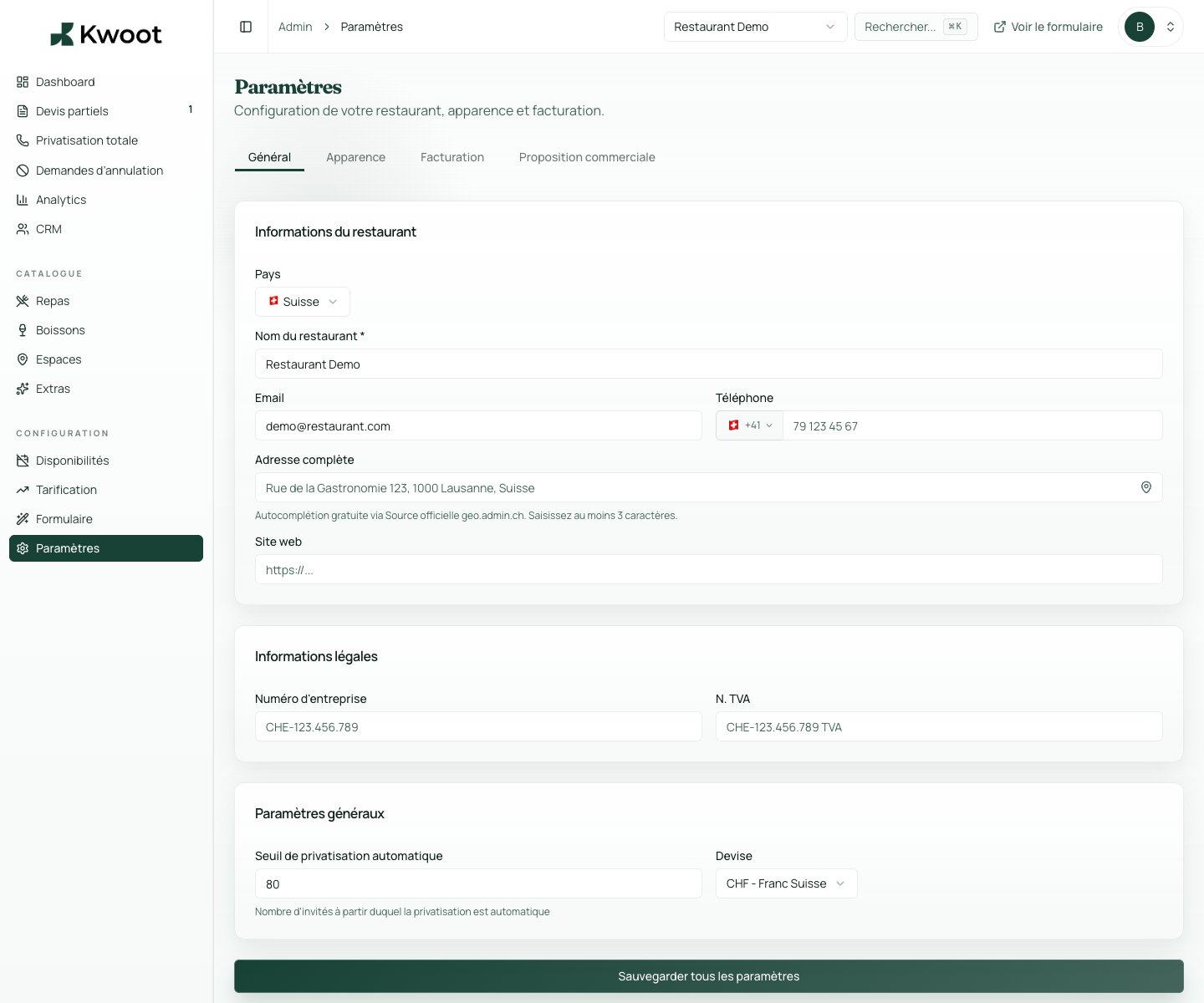
This tutorial shows you where to find the setting in the Kwoot admin, what to modify and where to control the result on the team side or on the client side.
Before you begin, keep your establishment's actual information on hand: offer, commercial rules, conditions, customer texts or visual elements depending on the setting concerned.
Configuration steps
- In Settings > Billing, select the Swiss or France scale.
- Check the rates for meals, non-alcoholic drinks, alcoholic drinks and extras.
- Add a default service rate if your establishment uses it.
- Create a test quote to check the totals.
Captures to follow
The screenshots below show the setting in the admin, then the places where the change may appear in the form, quote, customer portal or internal tracking.
Save, reload the public form or folder, and create a quick test. If the text, price or document is unclear to a customer, correct it before going live.
Continue setup
This block defines what the customer must pay to confirm, when the balance is due and until when they can request a cancellation.
Open → Following Prepare the commercial proposalThe commercial proposal makes the quote clearer for important events. It must reflect your style, your arguments and your conditions.
Open →